JPG, PNG, WebP or AVIF: which image format to choose
Last checked ·
There is no best format for every image. Choose JPG for a widely accepted photo, PNG for lossless graphics, and test WebP or AVIF for a website. The right choice depends on the image, the recipient and the detail you need to keep.
Choose by the task, not the extension
| Your task | Format | Reason |
|---|---|---|
| Send a photo | JPG | JPG is widely supported; check the recipient’s requirements. |
| Publish a web photo | WebP / AVIF | Compare size and appearance; provide a fallback if needed. |
| Save text or a screenshot | PNG / WebP | Use lossless compression to avoid softening small text. |
| Keep transparency | PNG / WebP / AVIF | These formats support transparency; JPG does not. |
| Keep a vector logo | SVG | Keep the vector original instead of rasterizing it unnecessarily. |
| Continue editing | PNG / TIFF / RAW | Keep the original or a lossless master; export delivery copies. |
How the four formats differ
JPG
JPEG uses lossy compression and suits many photographs. It cannot store transparency. Repeated lossy exports can add artifacts; keep an original.
PNG
PNG compresses losslessly and supports transparency. It is useful for text and graphics, but a photo can be much larger than a lossy export.
WebP
WebP supports lossy and lossless compression, transparency and animation. Lossless WebP is an option for graphics; lossy WebP can reduce web photo sizes.
AVIF
AVIF uses AV1 compression and supports transparency and HDR. It can produce small files, but the result and encoding time depend on the image and settings.
Browser support is not upload support
Current major browsers support WebP and AVIF. An editor, upload form or recipient can still require JPG or PNG. Check the destination before converting. Compatibility was checked on the date shown above.
Real files: size and appearance
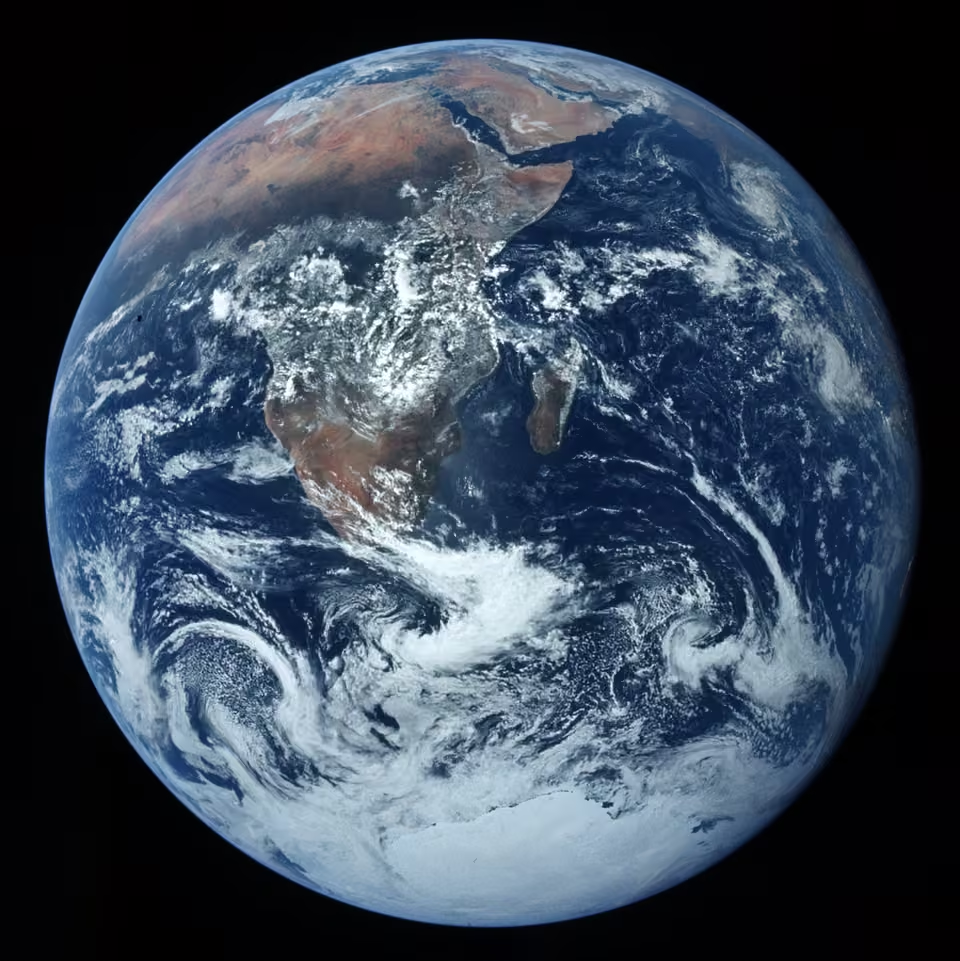
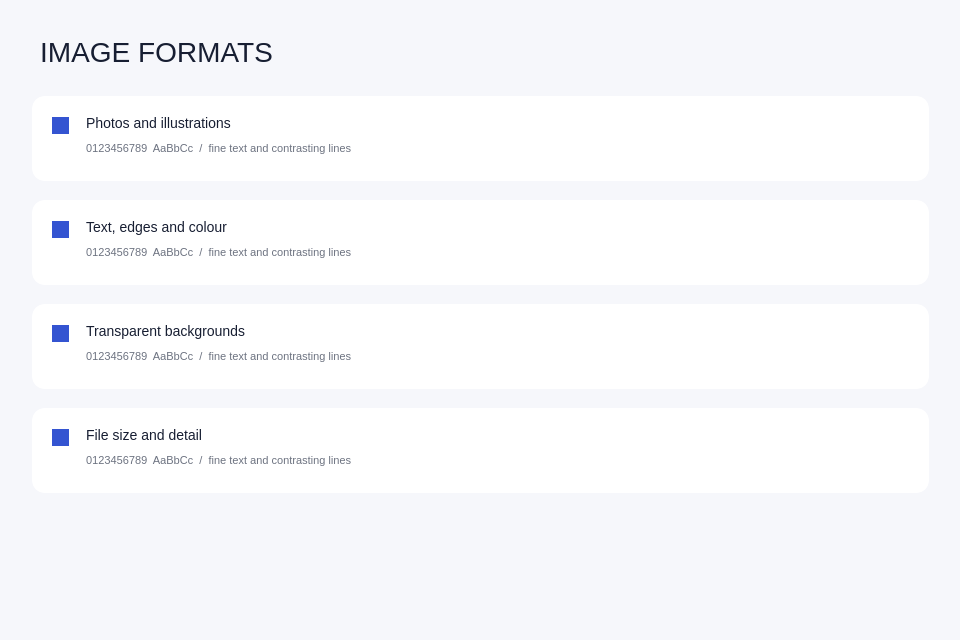
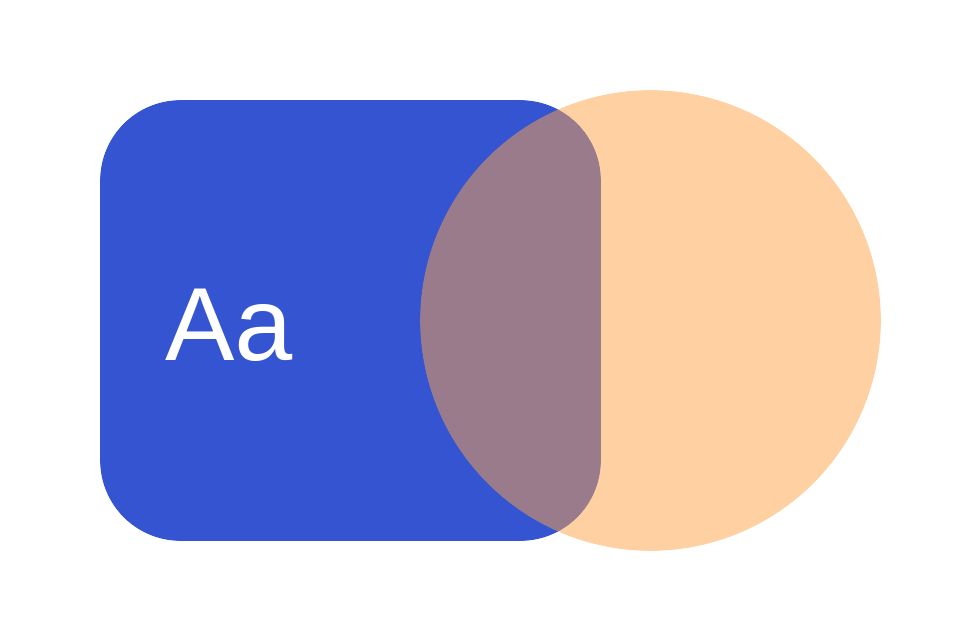
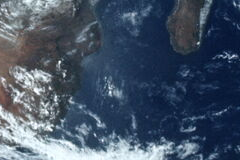
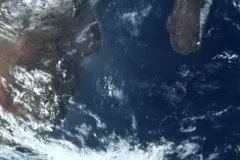
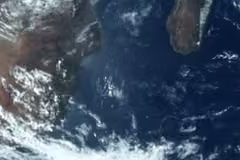
We encoded a NASA photo, a synthetic interface and transparent artwork with ImageMagick 7.1.2-35. JPEG: quality 80, 4:2:0; WebP: quality 80, method 6; AVIF: quality 50, speed 6; PNG: lossless, compression 9. Each row keeps the source dimensions. KiB = 1,024 bytes.
| Sample | JPG · KiB | PNG · KiB | WebP · KiB | AVIF · KiB |
|---|---|---|---|---|
| NASA Earth photo | 166.1 | 1,751.8 | 117 | 60 |
| Synthetic interface | 19.7 | 38.8 | 10.6 | 4.6 |
| Transparent artwork | No transparency | 17.1 | 8.4 | 4.6 |
These quality scales are not equivalent. This is a reproducible example, not a comparison at equal visual quality or a promise of savings. JPEG is omitted for the transparent sample because it cannot preserve its alpha channel.
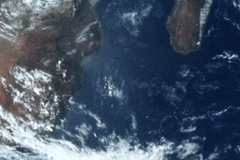
The same 240 × 160-pixel photo region is shown below, decoded to PNG without enlargement. Inspect detail, not just the smallest number.
Use modern formats with a fallback
The picture element lets a browser choose a supported source and fall back to JPG. Use alt text that describes the image and set width and height. A format alone does not guarantee better search rankings.
<picture>
  <source srcset="photo.avif" type="image/avif">
  <source srcset="photo.webp" type="image/webp">
  <img src="photo.jpg" alt="NASA Earth photo" width="960" height="961">
</picture>
Avoid these conversion mistakes
Renaming an extension does not convert a file. PNG cannot restore detail lost in JPG. A different format may increase size. Keep the original, compare the export at its intended display size, and check animation and transparency before replacing it.