Downloaded an AVIF? How to open it or send a JPEG
Drag the .avif file into a current desktop Firefox, Chrome, Edge or Safari window to view it locally. If it opens there, you may only need to change the app used for double-clicks.
Is it the file or the viewer?
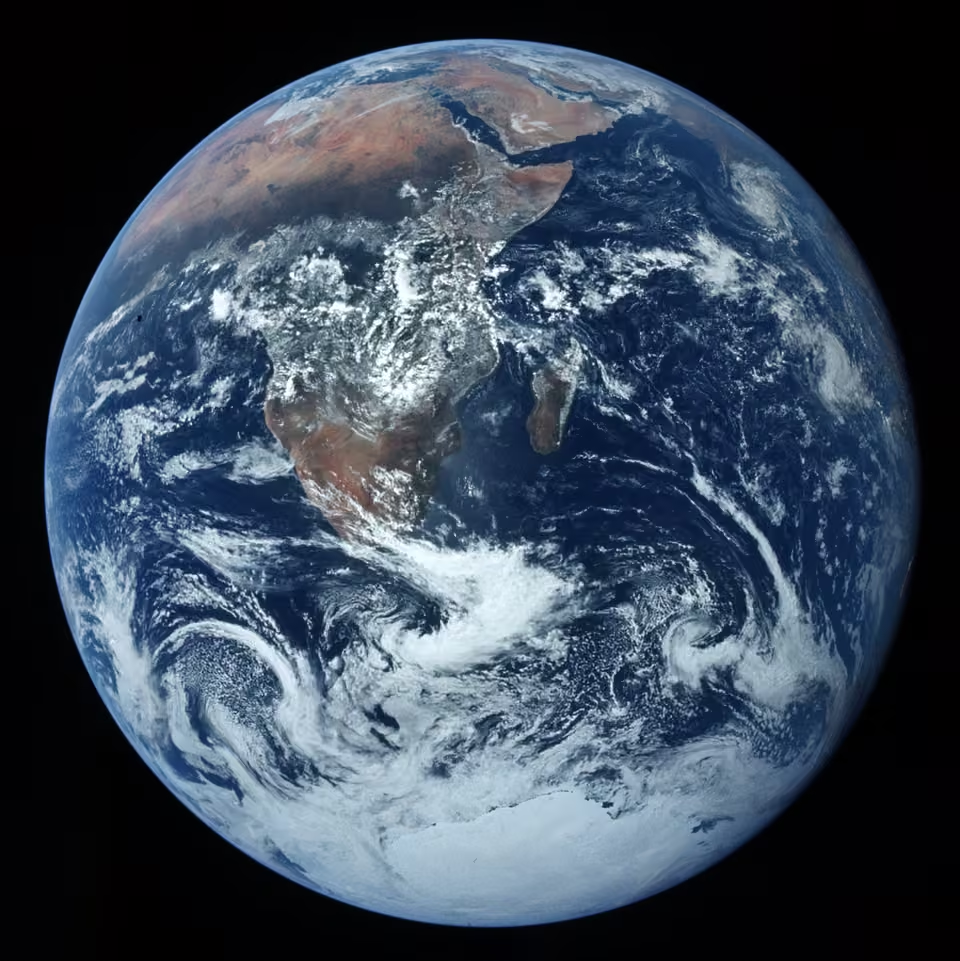
Try the sample Earth photo in the same browser. If only your file fails, check the download finished. Download zero-byte files again. If you saved a web page, open the image itself in a tab and save that instead.
If the browser shows both files but your editor doesn't, update the editor or use one with AVIF support.
Export a JPEG for the recipient
- Keep the original and open it in an AVIF-capable editor such as a current GIMP build. Put a solid layer under any transparent areas.
- Choose File → Export As, give the copy a .jpg name and try quality 85. Reopen it and check orientation, colours, fine detail, dimensions and byte size. Changing the filename in Explorer won't convert it.
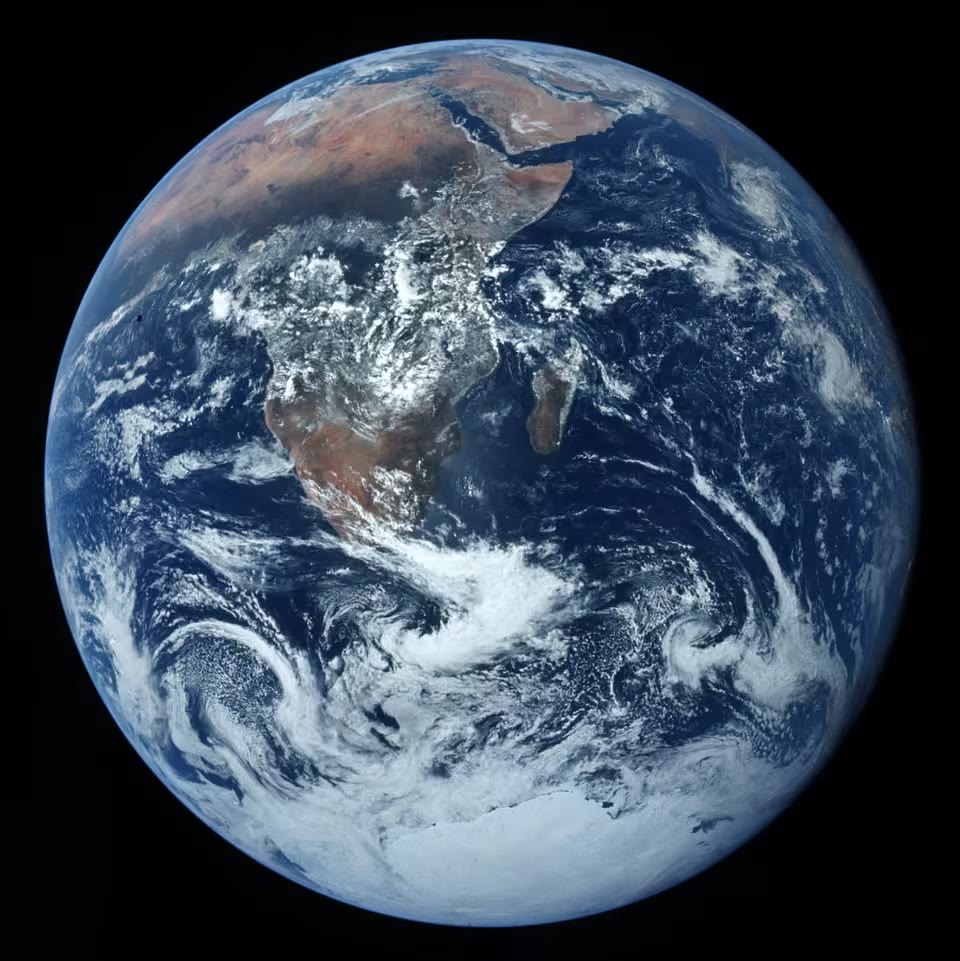
Our AVIF and its JPEG copy both measure 960 × 961 pixels. The JPEG is larger. The benefit here is compatibility.
Transparency, motion and HDR
Use PNG for a still logo with transparent edges. An ordinary JPEG holds a single frame. Decide whether the recipient needs the whole animation.
If bright HDR skies look washed out, check the editor's SDR conversion and keep the original. For viewing alone, an AVIF that already opens needs no conversion.